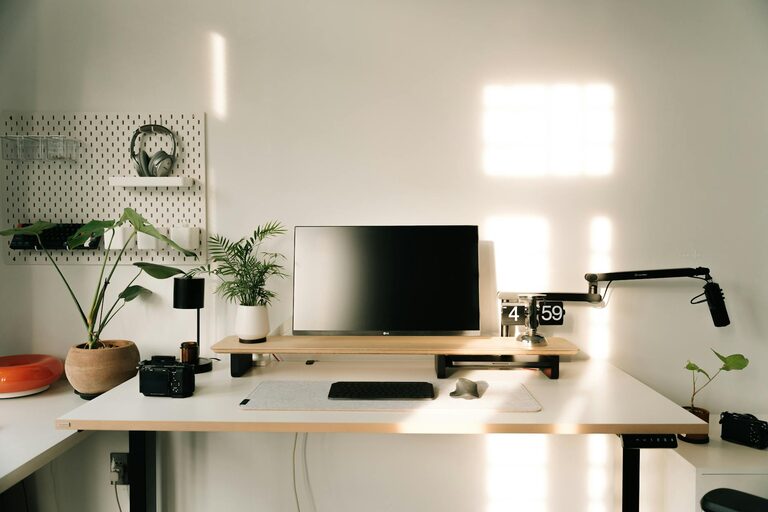
Creating a productive home office environment is essential for anyone working from home, whether full-time or occasionally. A well-organised and comfortable workspace can significantly improve your focus, efficiency, and overall job satisfaction. Here, we explore practical tips to design a home office that supports your best work.
Choose the Right Location
Your workspace’s location in your home plays a big role in productivity.
– Find a quiet spot: Select a space away from household noise and distractions where you can concentrate easily.
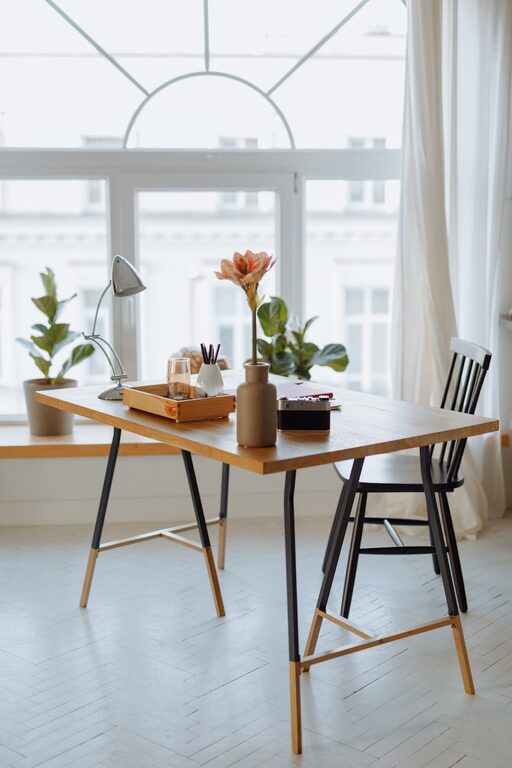
– Consider natural light: Setting up near a window can boost mood and reduce eye strain.
– Privacy matters: If possible, use a room with a door to separate work from home life.
Even a small corner can be transformed into an effective home office with the right setup.
Invest in Ergonomic Furniture
Comfort is key to staying productive throughout the day.
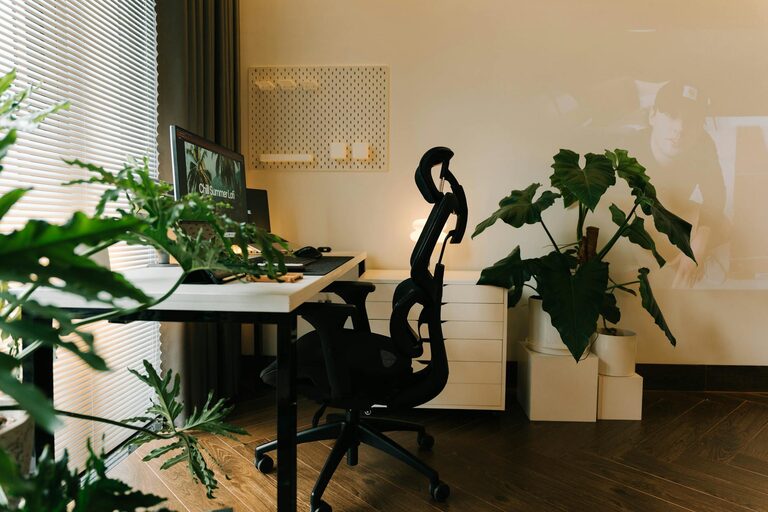
– Supportive chair: Use a chair with good lumbar support adjustable to your height.
– Desk options: Choose a desk of suitable height and size for your work needs. Standing desks or adjustable desks are popular choices to alternate postures.
– Monitor at eye level: Position your computer screen so you don’t have to hunch or strain your neck.
Proper ergonomics can prevent aches and fatigue, helping you maintain focus.
Keep Your Workspace Organised
A clutter-free environment promotes clear thinking.
– Declutter regularly: Remove unnecessary items from your desk to reduce distractions.
– Use storage solutions: Drawer organisers, shelves, or filing cabinets keep supplies and documents tidy.
– Manage cables: Use cable organisers or clips to keep wires neat and out of the way.
Organised spaces save time and reduce stress.
Optimise Lighting
Good lighting lessens eye strain and enhances mood.
– Natural daylight: Aim to position your desk where natural light is abundant but avoid direct glare on screens.
– Task lighting: Add an adjustable desk lamp for focused work during darker hours.
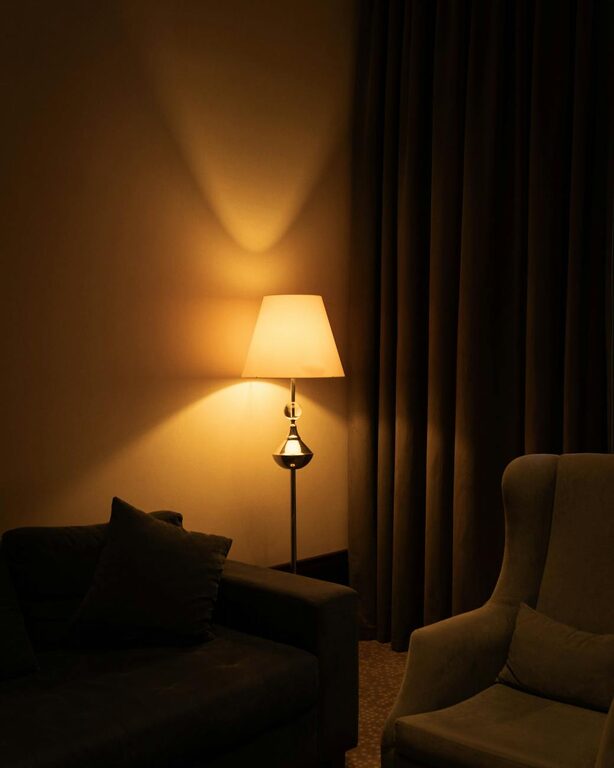
– Ambient lighting: Soft overhead lighting reduces harsh shadows and brightens the room.
Experiment with different lighting setups to find what’s most comfortable for you.
Minimise Distractions
Creating boundaries helps keep your mind on work.
– Set working hours: Establish clear start and finish times to separate work from leisure.
– Inform household members: Let others know your schedule to reduce interruptions.
– Silence notifications: Use ‘Do Not Disturb’ modes on devices when you need uninterrupted focus.
– Use noise control: Noise-cancelling headphones or background music can help mask distractions.
Building these habits fosters a professional mindset at home.
Personalise Your Space
A pleasant environment inspires productivity.
– Add plants: Greenery freshens the air and creates a calming atmosphere.
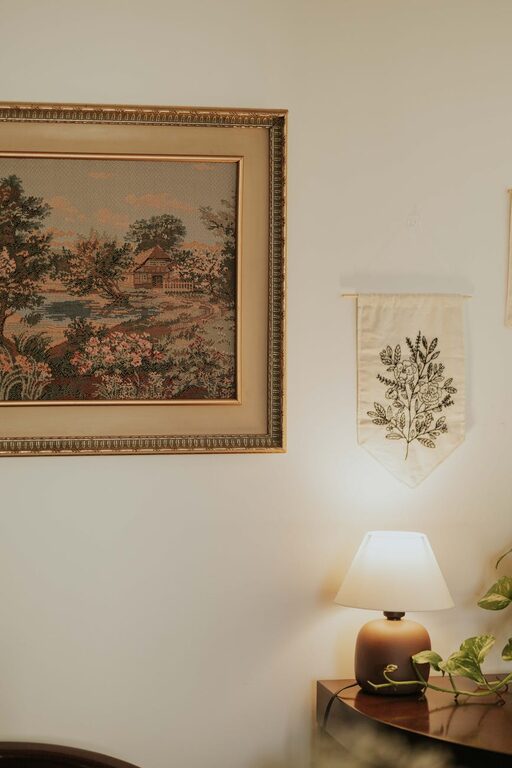
– Display motivating items: Photographs, art, or quotes can boost mood and motivation.
– Choose colours wisely: Soft, neutral walls and accents tend to be less distracting and create a soothing setting.
Personal touches make you look forward to your workday.
Ensure Proper Technology and Connectivity
Reliable tech is the backbone of a home office.
– High-speed internet: A stable connection prevents frustrating interruptions.
– Quality hardware: Use a dependable computer, keyboard, and mouse suited to your tasks.
– Backup plans: Have a charger, spare cables, or a power bank to avoid downtime.
– Software organisation: Keep files backed up and software updated for smooth operation.
Being prepared with the right technology enables you to work efficiently.
Take Regular Breaks and Move Around
Rest and movement improve concentration and well-being.
– Follow the 20-20-20 rule: Every 20 minutes, look 20 feet away for 20 seconds to reduce eye strain.
– Stretch and walk: Stand up, stretch, or take short walks to refresh your body.
– Schedule breaks: Plan short pauses to recharge rather than working non-stop.
Incorporating movement supports long-term productivity.
Final Thoughts
Crafting a home office space that suits your needs takes some planning, but the benefits are well worth the effort. By choosing a calm location, investing in ergonomics, keeping things organised, managing distractions, and personalising your area, you set yourself up for better focus and work satisfaction. Remember to balance work with regular breaks and maintain good technology to support your workflow.
With these tips, you’ll be on your way to creating a productive home office that feels comfortable and motivates you every day.